
Multi-chain assets
Different networks maintain separate state. Verify the network, address, token contract and confirmation status instead of relying on a familiar symbol.
A multi-chain wallet, blockchain network and Web3 knowledge hub from imtoken
Bring asset views, network selection, sending and receiving, DApp connections, approvals, network knowledge and wallet security into one coherent workflow. Each action should remain understandable before it is signed and verifiable after it reaches the network.
Start with the difference between an address, a seed phrase and a private key before creating a new account.
View steps →Keep the recovery material offline, verify the order and avoid screenshots or exposed cloud storage.
View steps →Share the correct address together with the intended network, then verify the incoming transaction.
View steps →Check the recipient, network, asset, amount and gas before signing a transfer.
View steps →Verify the domain first, then review account access, signatures and approvals as separate requests.
View steps →Asset views, network rules, transfers, DApps and security are connected parts of the same on-chain workflow.
Different networks maintain separate state. Verify the network, address, token contract and confirmation status instead of relying on a familiar symbol.
A transfer review links the receive address, selected network, amount, gas and transaction hash into one checkable record.
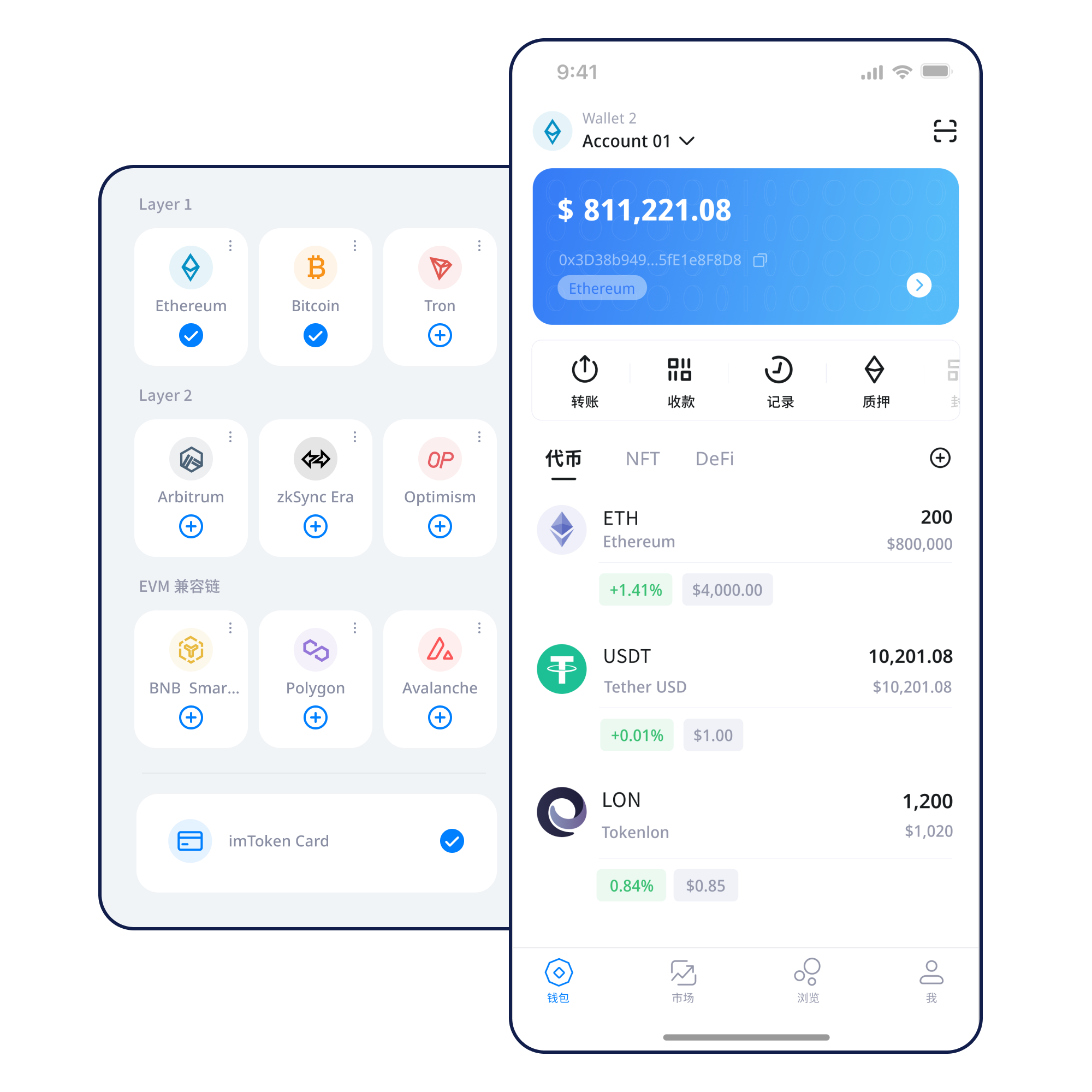
Use the mobile wallet to view assets, manage networks and review transaction history while keeping device security part of the workflow.
Browser connections should make account requests, signatures, approvals and disconnect actions clear rather than treating “connected” as blanket consent.
Keep seed phrases offline, never disclose private keys, inspect signatures and approvals, and review permissions that are no longer needed.
A wallet can show several networks, but each network has its own rules, fees, transaction state and confirmation process.
A multi-chain view starts by separating ledgers. Similar addresses or token names do not merge networks, so network selection, gas assets and contract identities should be checked together.
Read the guide →Public chains coordinate nodes, blocks and transaction propagation under shared protocol rules. Confirmation depth and finality depend on the network rather than on a wallet interface.
Read the guide →
EVM-compatible networks share an execution model for smart contracts, yet remain separate networks. Review chain identity, gas, contract addresses and approvals before interacting.
Read the guide →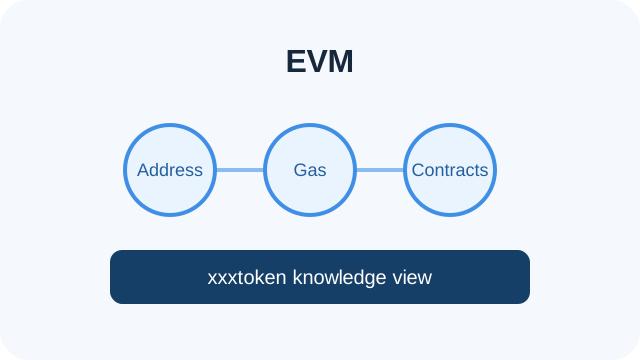
Layer 2 systems relate to a base network through defined mechanisms. Cross-layer deposits, withdrawals and bridges may have distinct confirmation and waiting rules.
Read the guide →
Gas pays for network execution. Congestion, fee settings and transaction complexity can change cost and waiting time; the transaction hash is the key reference for status.
Read the guide →Use the download entry intentionally; do not follow unsolicited links that claim to offer a special build.
Confirm whether you are creating a new account or restoring an existing one before entering any recovery material.
Write the seed phrase accurately, verify its order, and keep it away from screenshots, chat messages and shared cloud documents.
Match the network to the intended asset or DApp and confirm the gas asset before taking the next step.
For receiving, share the correct network and address; for sending, review the recipient, amount, asset and gas.
Keep the transaction hash, confirm the final on-chain state, and periodically remove permissions that are no longer needed.
Connecting a wallet does not mean every later signature or approval should be accepted. Treat each request as a separate decision.
Open the Web3 guide →Users remain responsible for their seed phrases and private keys. imtoken will not ask for these secrets. Verify the address, network and amount before transfers; inspect signatures and approvals; be cautious on public devices and networks; and remember that third-party DApps and smart contracts can introduce their own risks.
Open Security CenterStart with the relationship between addresses, seed phrases, private keys, networks, gas, transaction hashes, DApps and approvals. Understanding how they connect makes each later check more meaningful.
Start learning →Learn how Ethereum PoS validators participate in consensus, where protocol rewards can come from, and how withdrawals and exits work. Rewards are not guaranteed and can change with network conditions and validator performance.
Read the basics →Validator penalties, waiting periods, smart-contract risk, third-party service risk and digital-asset price volatility can all affect the outcome. Participation should be based on the user’s own circumstances.
Learn about PoS and validators →It helps the user manage keys, addresses and signed transactions. The underlying asset state is recorded by the relevant blockchain.
No. Seed phrases and private keys should not be sent to support or any other person.
A similar address format can exist on different networks. The selected network determines where the transaction is recorded.
Gas is the network resource accounting used to price transaction or contract execution.
It is the identifier used to locate and inspect a specific blockchain transaction.
No. Connection, signing and token approvals are separate actions and should be reviewed separately.
Generally no. Confirmed on-chain transfers are usually not reversible by a wallet provider.
Understand backup, network selection and security principles before moving into real on-chain actions.
Download imtoken